
AIO · SALON OPERATIONS

One product family. Four salon workflows.

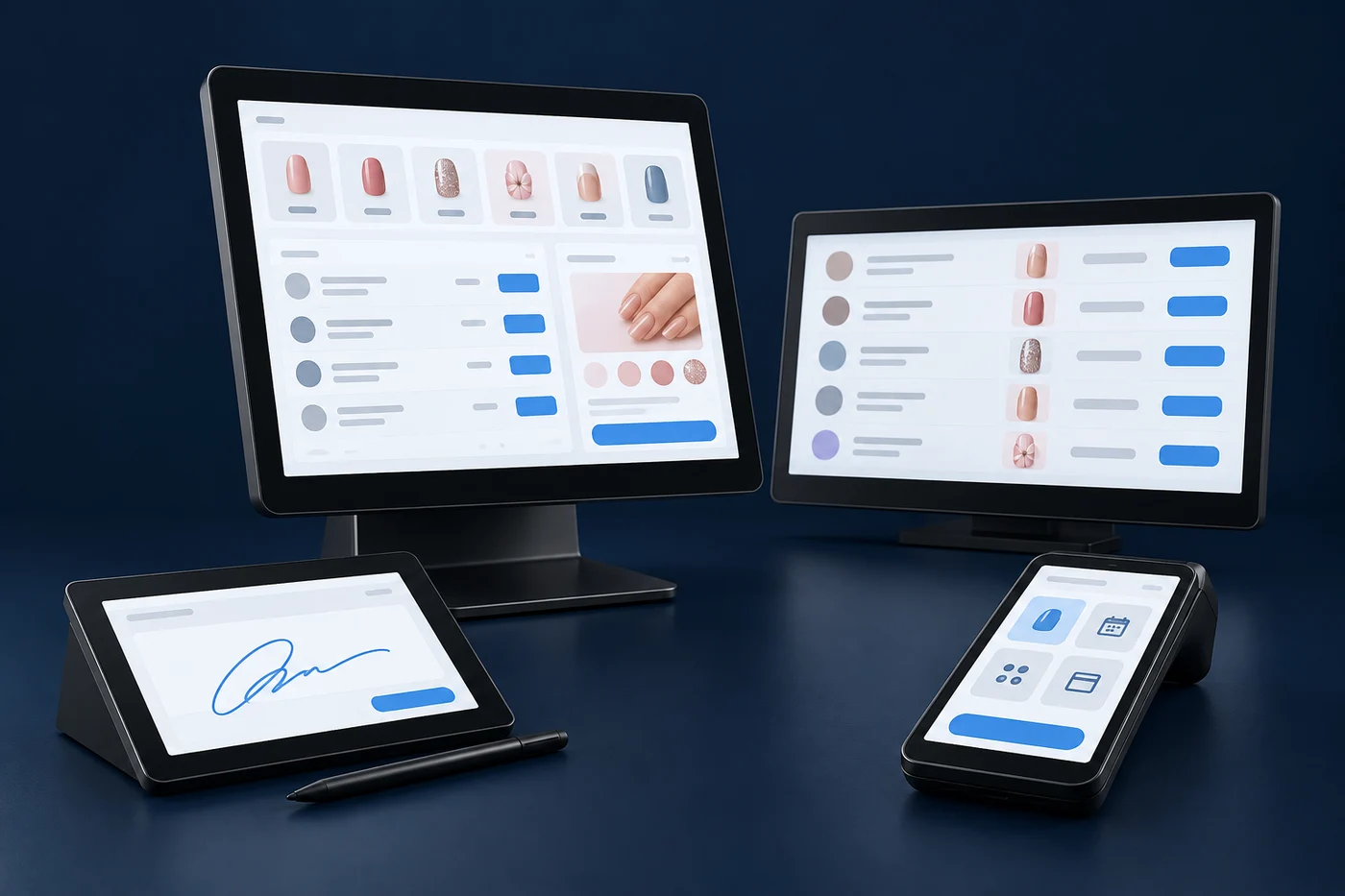
AIO brings POS, E-sign, Handheld POS and Rotation into one operations-focused product family. Explore the intended role of each app and the setup questions that matter before adoption.

Register AIO interest
Original illustrative composition of four generic salon devices
Illustrative hardware and sample screens. Device compatibility is unverified.
WHO IT’S FOR

The team keeping the salon day moving.

For nail-salon owners and front-desk teams evaluating a more coherent way to manage services, checkout and technician order.

Coming Soon

AIO POS

The intended AIO POS experience puts the service ticket at the center of front-desk work, from choosing services to reviewing the total with a client.

Explore AIO POS
AIO POSIllustrative ticket · QA-1042
SAMPLE SERVICES
ManicureMain service
PedicureMain service
Nail artAdd-on
TICKET REVIEW

Alex Sample

Manicure Technician: Jordan Sample$45.00
Nail art Sample add-on$10.00
Sample total$55.00

Illustration only. No payment or tip is processed.

Coming Soon

AIO E-sign

AIO E-sign is intended to give customers a clear digital receipt review and signing experience, with the signed record connected to the transaction for later retrieval.

Explore AIO E-sign
AIO E-signIllustrative receipt · QA-1042
CUSTOMER REVIEW

Your services, clearly shown.

Sample manicure$45.00
Sample add-on$10.00
Sample total$55.00
Alex SampleSynthetic signature · no input collected
Coming Soon

AIO Handheld POS

This is intended to be more than a card reader: it brings ticket creation, checkout, and customer signing into a handheld workflow.

Explore AIO Handheld POS
AIO Handheld POSIllustrative ticket · QA-1042
SAMPLE SERVICES
ManicureMain service
PedicureMain service
Nail artAdd-on
TICKET REVIEW

Alex Sample

Manicure Technician: Jordan Sample$45.00
Nail art Sample add-on$10.00
Sample total$55.00

Illustration only. No payment or tip is processed.

Coming Soon

AIO Rotation

AIO Rotation is intended to help a salon team follow technician order, availability and assignments, while keeping the meaning of each count clear.

Explore AIO Rotation
AIO RotationIllustrative · synthetic team
Order / technicianAvailabilityAIO turnsRotation times
1. AlexAvailable21
2. JordanIn service11
3. CaseyAvailable00
Two qualifying main services = 2 AIO service turns.One crossed-off entry = 1 Rotation time.
THE WORKFLOW

A clearer path through the salon day.

Explore the proposed AIO journey from a service ticket to a signed receipt. This is an illustrative workflow; payment, tipping, signing and receipt storage must be confirmed for your setup.

  1. 01

    Create ticket

  2. 02

    Review services and total

  3. 03

    Payment

  4. 04

    Signature

  5. 05

    Stored receipt

Choosing an AIO workflow.

Which apps do I need?

Start with the workflow you want to improve. Tell us whether your priority is front-desk tickets, customer signing, checkout away from the desk or technician rotation.

Is payment processing included?

No processor relationship or payment integration is advertised here. Compatibility and payment setup require product-specific verification.

Can I move existing salon records into AIO?

Migration tools, supported imports and setup timelines are not yet confirmed. Include your current workflow in your request so the requirements can be discussed.

YOUR NEXT STEP

Find the right starting point for your salon.

Share your product interest and the workflow you want to explore. We will confirm availability before a demonstration is scheduled.

Register AIO interest